
Building a service
The Bible
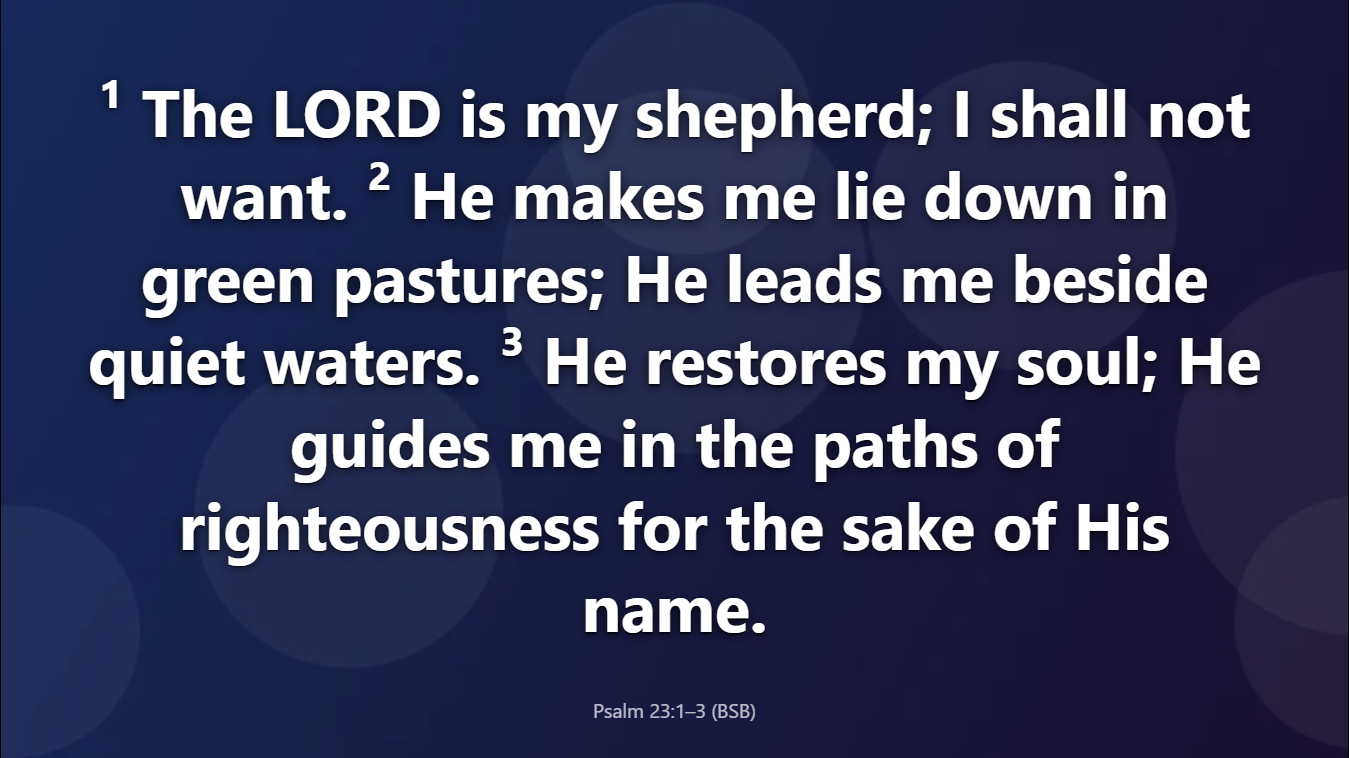
The Bible tab finds readings as you type, and puts them on screen with the reference and translation on every slide.
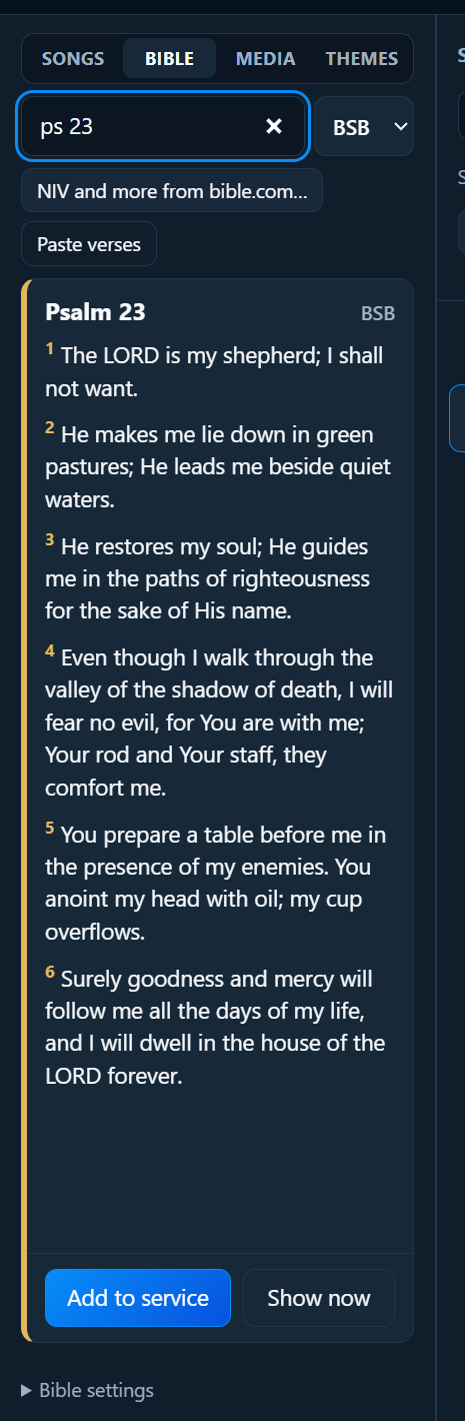
Find a reading
Type the reference into the box. Short forms are fine:
| You type | You get |
|---|---|
jn 3 16 |
John 3:16 |
john 3:16-18 |
John 3:16–18 |
ps 23 |
Psalm 23 (the whole psalm) |
1 cor 13 4-7 |
1 Corinthians 13:4–7 |
rom 8:28-9:1 |
Romans 8:28 to 9:1 |
Or type a few words (“good shepherd”) to find verses that contain them. Click a result to open it.
Then:
- Enter or Add to service adds the reading to the service.
- Shift+Enter or Show now adds it and puts it on screen straight away.
Translations
PraiseAV includes two translations, which work without the internet:
- BSB: the Berean Standard Bible, modern English (the default)
- WEB: the World English Bible
For the King James Version (KJV), use bible.com, the same way as the NIV (below). In the UK the KJV belongs to the Crown, so PraiseAV can’t include the whole of it without permission.
Choose the translation in the box next to the search. A reading already in the service can be switched to another translation with the box above its slides.
The NIV and other translations
The NIV, ESV, NLT and others can’t be included in PraiseAV, but you can show the verses your service uses:
- Type the reference, then click NIV and more from bible.com. bible.com opens in its own window, at that chapter.
- Tap the verses you want (they’re underlined), then press bible.com’s Copy.
- The verses appear in PraiseAV’s Bible tab. Click Add to service or Show now.
You can also copy verses from Bible Gateway or anywhere else, and click Paste verses (or paste into the search box). Include the reference if it’s not from bible.com.
- Copied verses are kept with the service, so they work at church without the internet.
- Every slide shows the translation after the reference, like “(NIV)”. That’s what the NIV’s publisher asks for on church slides.
Bible settings
Open Bible settings at the bottom of the Bible tab:
- How much of a reading goes on each slide: As much as fits (the default), Shorter slides, or One verse per slide.
- Translations to show in the lists: untick the ones your church doesn’t use. (The translation in use can’t be hidden.)
How readings look
Readings use the theme for Bible verses. Many churches choose High contrast (easy to read) for readings. See Themes.