
Building a service
Printing
Click Print in the Service column. There are two kinds of printout.
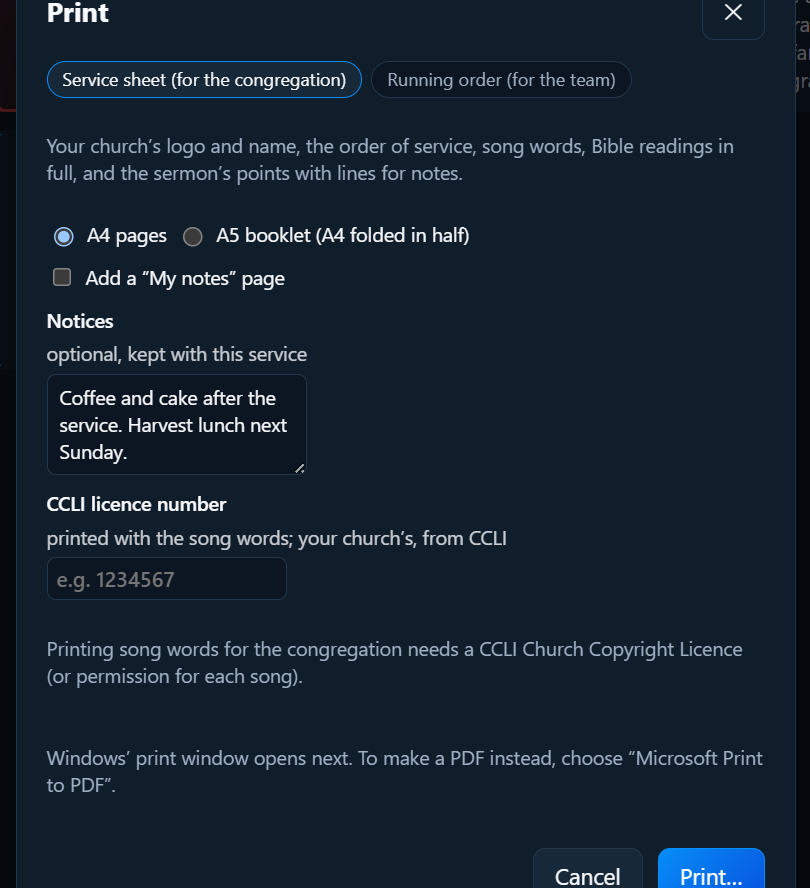
A service sheet, for the congregation
A handout with:
- your church’s logo and name, and the service’s name
- the order of service
- the words of each song, laid out by verse and chorus, with the author and CCLI number
- the Bible readings in full
- the sermon title, the preacher, and the main points with lines for notes (the points come from the sermon’s slides)
- notices, if you type some in (they’re kept with the service)
- the line “Song words reproduced under CCLI Licence No. …”, if you enter your church’s licence number
Choose the size:
- A4 pages: printed as normal.
- A5 booklet (A4 folded in half): PraiseAV arranges the pages so that, printed on both sides, the pile folds into a booklet with the pages in order. In the print window, choose print on both sides and flip on short edge.
Tick Add a “My notes” page for a ruled page at the end.
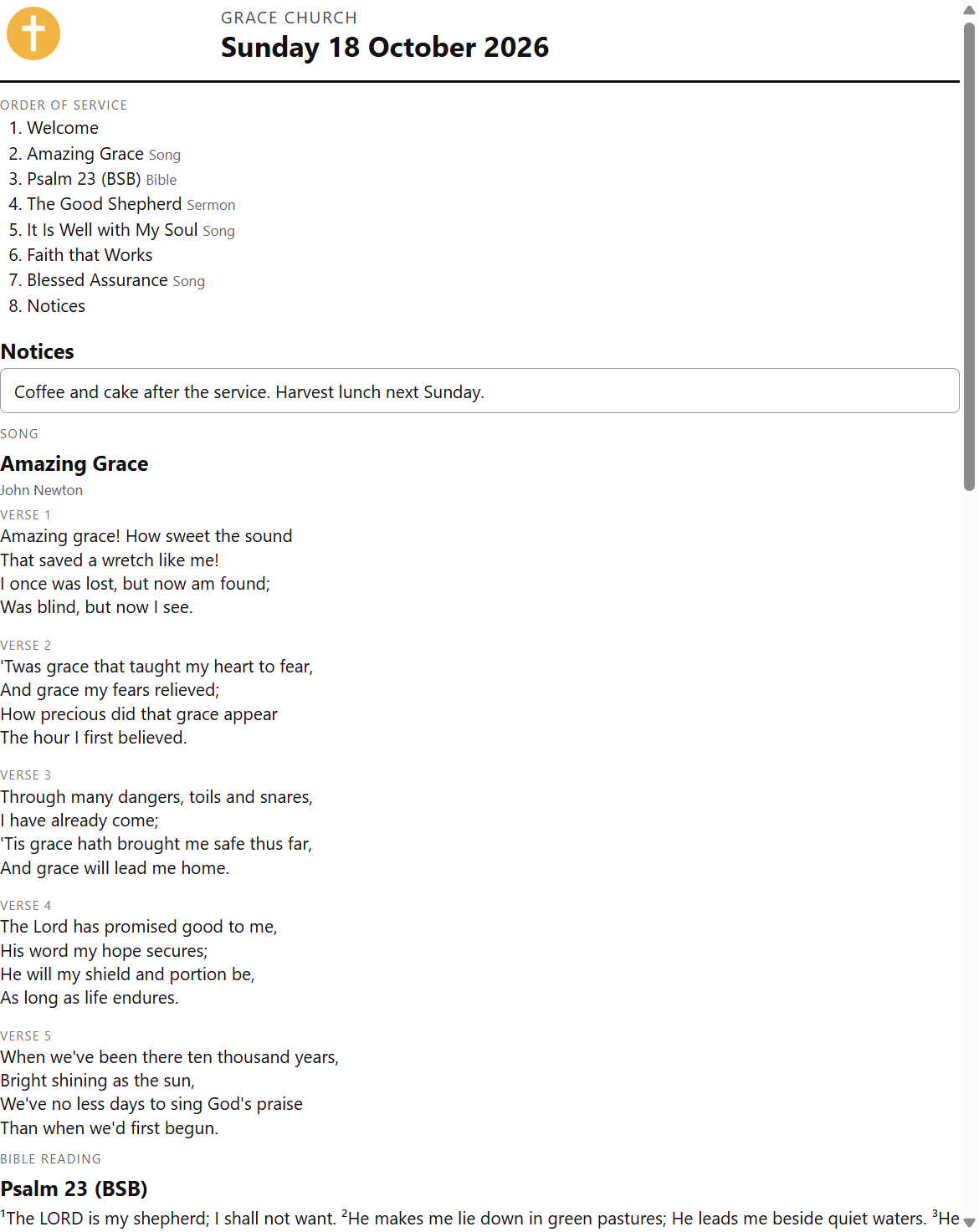
A logo for paper
A logo made for the screen often has white or light words, which disappear on white paper. If your church has a version with dark words, use that for printing: in the Media tab, click it and choose Use for printing. See Media.
The running order, for the team
A list of everything in the service, with song details. Tick:
- Include song words: handy for the band
- Include the preacher’s notes
Saving as a PDF
Windows’ print window opens after you click Print…. To make a PDF (to email, or put on your website), choose the printer Microsoft Print to PDF.