
Start here
PraiseAV Help
Welcome. PraiseAV puts songs, Bible readings, videos and sermons on your church’s screens. It’s free, and it’s made to be simple enough for any volunteer on a Sunday morning.
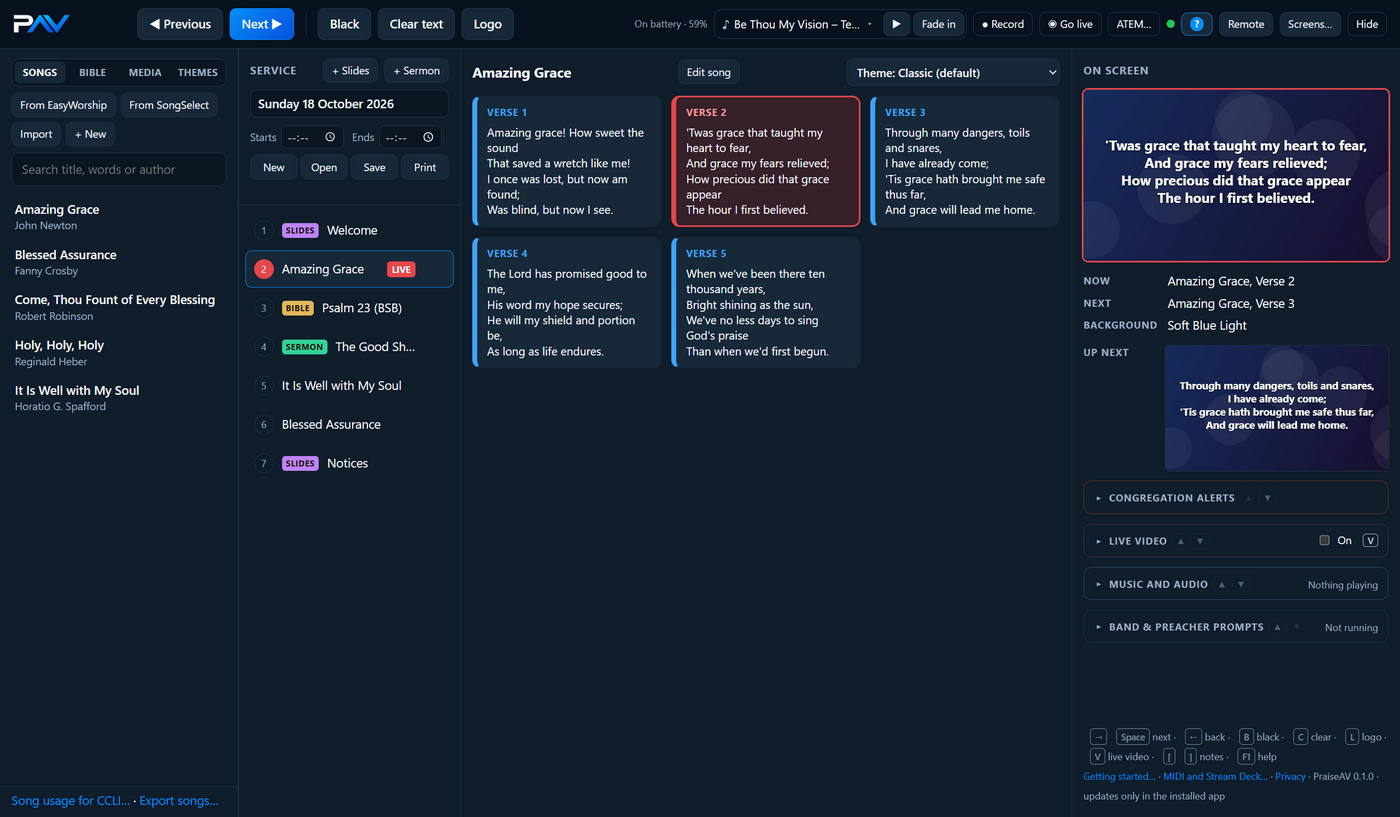
New to PraiseAV?
Start with Your first Sunday. It takes you from installing PraiseAV to running a whole service, one step at a time. No experience needed.
Used EasyWorship before? Coming from EasyWorship shows where everything is, and how to bring your songs and backgrounds across.
Find what you need
Type in the search box at the top of any page: try “projector”, “alert” or “NIV”. Or pick a topic:
| I want to… | Read |
|---|---|
| Add songs and change their words | Songs |
| Show a Bible reading, including the NIV | The Bible |
| Build a service and save it to take to church | Services |
| Print a service sheet for the congregation | Printing |
| Run the service on Sunday | Running a service |
| Give the preacher their notes and a timer | Sermons and the preacher’s screen |
| Call a parent from the crèche | Congregation alerts |
| Use moving backgrounds, videos and music | Media and Music and audio |
| Show a guest speaker’s PowerPoint | PowerPoint and PDF |
| Set up the projector and other screens | Screens |
| Livestream the service to YouTube | Going live on YouTube |
| Livestream with an ATEM or OBS | Livestream and ATEM |
| Record the service to upload later | Recording the service |
| Use old phones as cameras | Live video |
| Show PraiseAV to another church | The demo church |
| Work PraiseAV from my phone | Phone remote |
| Run a service with no one at the laptop | Without an AV volunteer |
| See what equipment other churches use | Example setups and Hardware |
| Fix something that isn’t working | Troubleshooting |